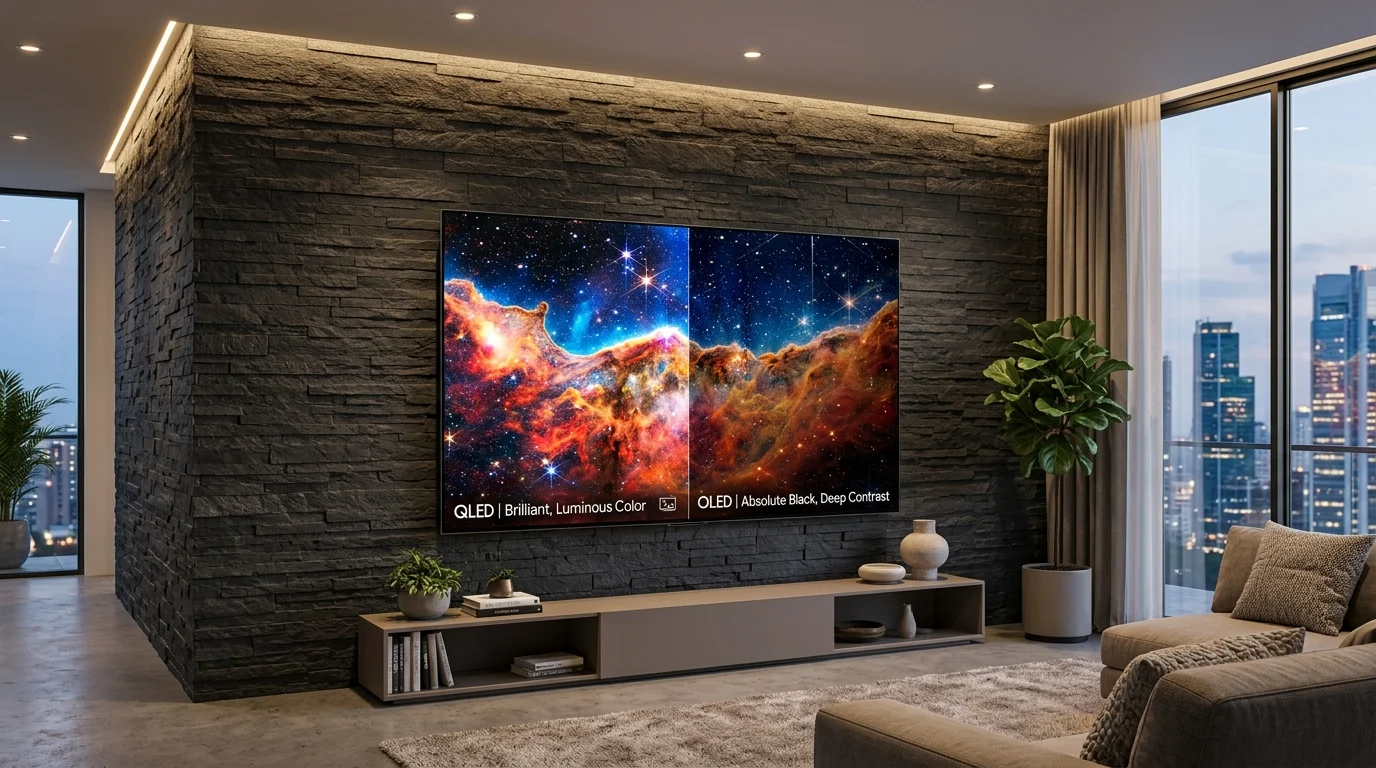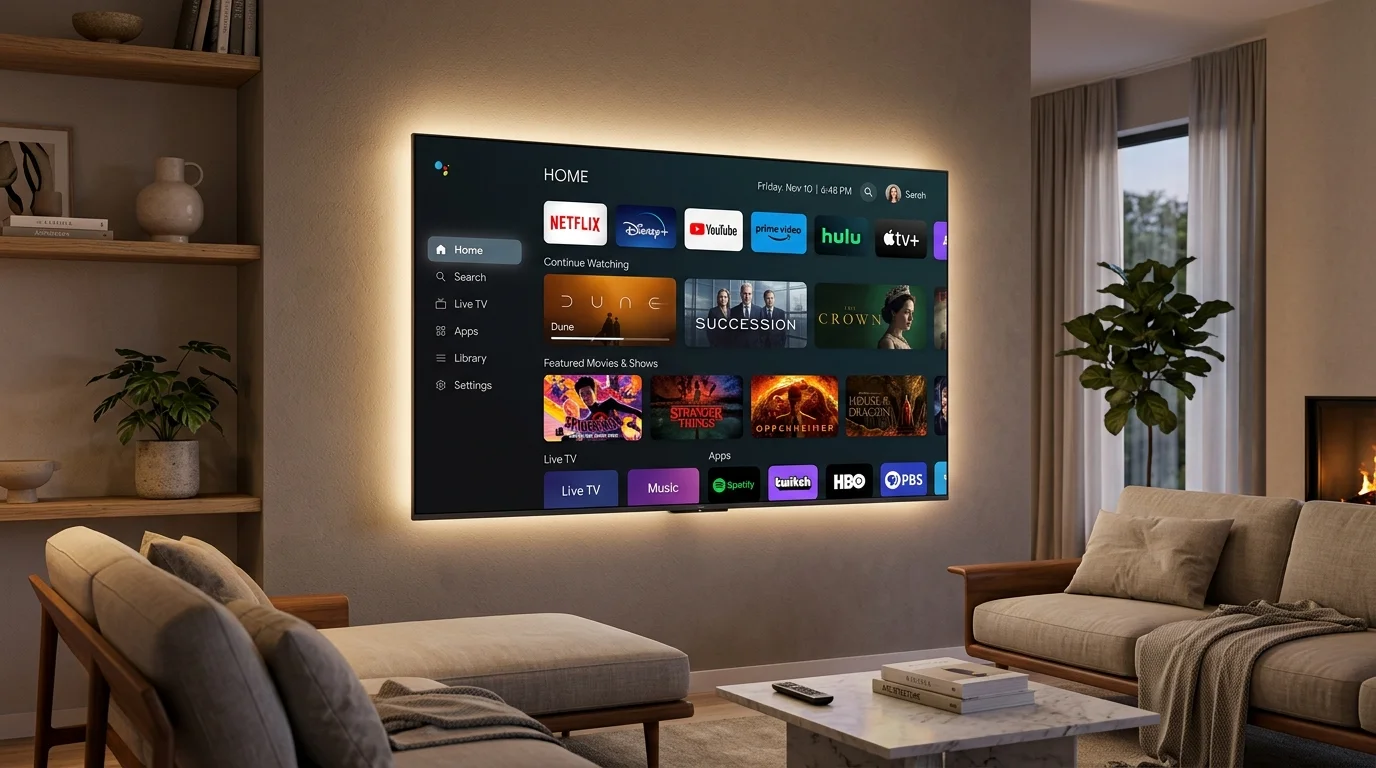
Screen size and picture quality are important factors to consider when choosing a television, along with the smart system that runs it. It is the part of the TV you use every day — how you find something to watch, open your apps, search by voice, and move around the screen. Even if two TVs share the same panel, the software can make them feel completely different, and the one you choose will shape your experience for years.
VISIO offers a selection of operating systems across multiple screen sizes — including Google TV, webOS, Tizen, and open-source Android models. This guide explains the four main smart TV systems in factual terms, what distinguishes each interface, how they handle streaming apps and services in Saudi Arabia, and which type of setup each one suits.
What a Smart TV System Actually Does
Before comparing systems, it helps to understand what the operating system manages: home screen navigation, application access, voice search, settings, device mirroring, and smart home connectivity. A well-structured system keeps navigation straightforward and responsive.
When comparing platforms, four practical factors guide everyday use:
- Home screen layout — whether it emphasizes content recommendations or application shortcuts
- Application sources — where apps are downloaded and which streaming services are supported
- Interface responsiveness — how smoothly the software navigates menus and opens applications
- Ecosystem integration — how effectively it connects with your mobile devices, voice assistants, and smart home hardware
Google TV
Google TV
Google TV organizes entertainment by aggregating content recommendations from supported streaming services on the home screen alongside installed applications.
Google TV is built on the Android TV foundation with an updated user interface. Certified Google TV devices include official Google Mobile Services, the Google Play Store, and Google Assistant integration.
webOS
webOS
webOS uses a clean interface designed for straightforward navigation. Its signature feature is the Launcher Bar, which slides up along the bottom of the screen to switch apps without interrupting current playback.
Tizen
Tizen
Tizen uses a streamlined interface with quick access to apps, inputs and settings from a compact navigation hub along the bottom of the display.
Android TV (Open-Source Version)
Android TV (Open-Source)
VISIO also offers models running an open-source Android-based platform. This option provides core smart TV functionality using a built-in application store rather than Google Play.
This platform provides media playback, internet connectivity, and access to supported applications through its built-in store. It does not include Google certification, the Google Play Store, or Google Assistant. App availability should be checked for each model before purchase.
Side-by-Side Comparison
| Feature | Google TV | webOS | Tizen | Android TV |
|---|---|---|---|---|
| Developed by | LG | Samsung | Android (open source base) | |
| Interface style | Content recommendations | Slide-up Launcher Bar | Streamlined bottom bar | App-based home screen |
| Key focus | Content discovery & sync | Straightforward navigation | Responsive menu access | Core smart functionality |
| App store | Google Play Store | LG Content Store | Samsung App Store | Built-in App Store |
| Voice control | Google Assistant | ThinQ AI / Voice | Bixby / Voice | Varies by model |
| Arabic language support | Full interface support | Full interface support | Full interface support | Supported |
| Ideal for | Multi-service streaming | Simple family navigation | Smart home & fast menus | Essential smart viewing |
Streaming Apps and Saudi Viewers
App availability varies by operating system, television model, region, and service provider. Check each model’s product specifications before purchase.
Key considerations for viewers in Saudi Arabia:
- Arabic interface support: Google TV, webOS, and Tizen offer comprehensive Arabic support for menus, search, and system settings. Open-source Android models also support Arabic language settings.
- Sports and entertainment streaming: Major regional streaming platforms such as Shahid and beIN Sports operate on supported smart platforms. Check individual model specifications for platform compatibility.
- Platform flexibility: Having certified Google TV, webOS, Tizen, and open-source Android options provides flexibility across different room requirements and budgets.
Choosing the Right System for Your Setup
Google TV focuses on content recommendations, webOS on straightforward navigation, Tizen on a streamlined interface, and open-source Android models on core smart functionality through their built-in app store.
- Select Google TV if you use multiple streaming services and prefer aggregated content suggestions and Google account synchronization.
- Select webOS if you prefer clean, accessible navigation and switching apps without exiting current playback.
- Select Tizen if you want responsive menu navigation and direct integration with connected smart home hardware.
- Select open-source Android if you require standard streaming capabilities via the built-in app store at an accessible price point.
Specifications, resolution, hardware and supported features may vary by model. Check the individual product specifications before purchase.
Why Saudi Customers Choose VISIO
- A choice of smart operating systems — Google TV, webOS, and Tizen — across multiple display sizes
- Screen size options from 24 inches to 85 inches to suit different room dimensions
- 4K UHD resolution across living room and majlis models
- Arabic language interface support across operating systems
- Backed by an official warranty across Saudi Arabia
- Available through the official Jovento store, as well as Noon and Amazon.sa
Compare models powered by Google TV, webOS, and Tizen across sizes from 24 to 85 inches.
Frequently Asked Questions
The Bottom Line
The operating system defines how you interact with your smart TV on a daily basis. Google TV emphasizes content recommendations, webOS focuses on clean navigation, Tizen offers streamlined menu access, and open-source Android delivers essential smart features.
Evaluate your streaming habits, preferred applications, and connected devices to choose the platform that best aligns with your household needs. For guidance on screen dimensions and viewing distances, refer to our guide on how to choose the right TV size for your Saudi living room.
Explore VISIO smart TV models across available operating systems through the official Jovento store and authorized retailers in Saudi Arabia.