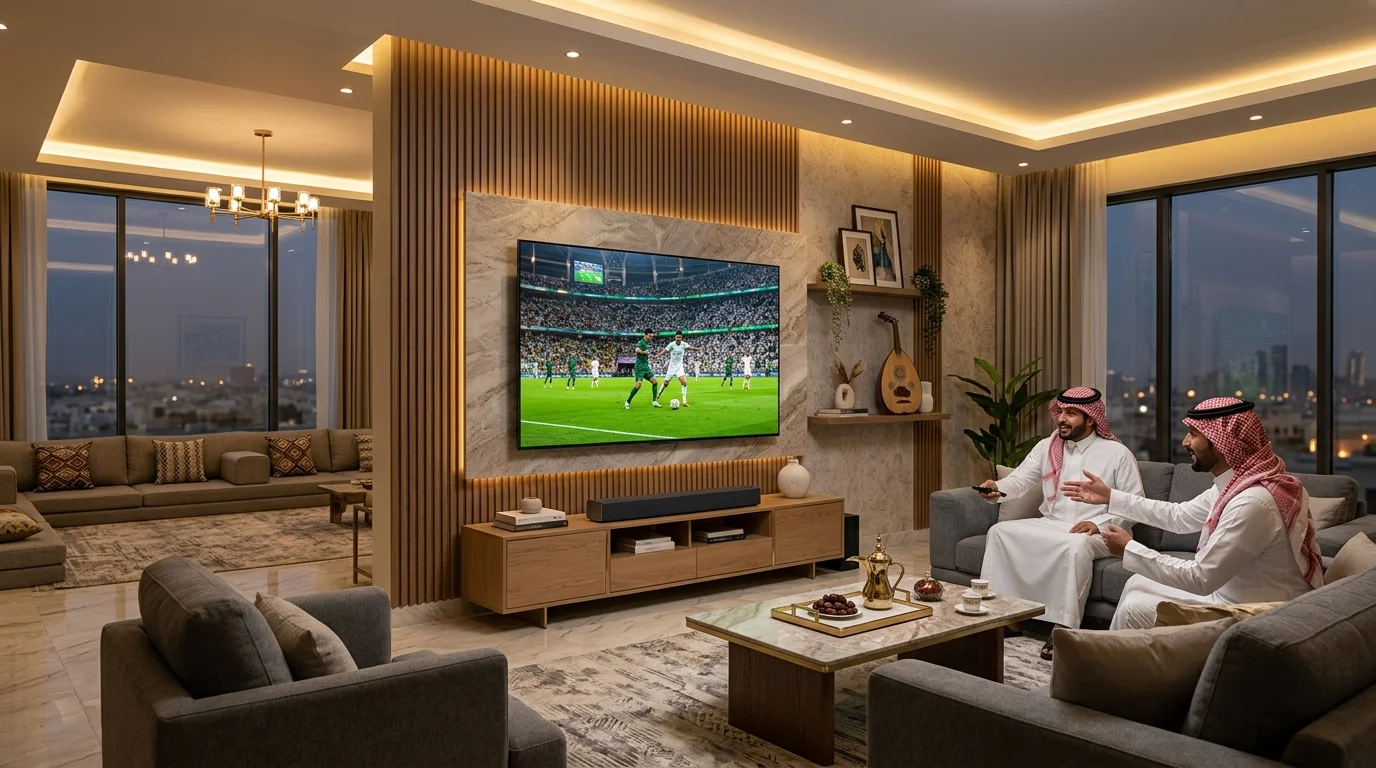
Football in Saudi Arabia is far more than ninety minutes of sport — it is a central social event. When derby days arrive in the Roshn Saudi League, or when national and continental tournaments take the stage, homes and majlis halls across the Kingdom fill with family and friends. Everyone gathers around the screen, reactions are shared in real time, and the match becomes the center of the evening.
Yet watching football in a group setting creates very different demands than watching a drama alone in a dark room. In a traditional majlis or large living room, viewers sit at varying distances and wide viewing angles along perimeter seating. Daylight from large windows or bright evening lighting can wash out the picture, and rapid ball flight across the pitch quickly exposes weak motion handling. Getting your TV setup right for match day requires paying attention to three measurable factors: screen sizing for your room, motion clarity and picture calibration, and dedicated soundbar audio for commentary and stadium atmosphere.
1. Screen Sizing for Majlis and Living Room Viewing
When calculating screen size for football, the critical variable is distance to the furthest seated viewer, not just the nearest seat. In a 5×4 meter room with perimeter U-shaped seating, viewers at the center might sit 2.5 meters away, while guests at the far edges sit over 3.5 meters from the display. If the screen is too small, following the ball during long passes or distinguishing tactical jersey numbers becomes a continuous strain.
| Seating Distance | Recommended Size | Room Environment | VISIO Model Options |
|---|---|---|---|
| 1.5 – 2.0 m | 43″ to 55″ | Bedrooms / Compact living spaces | 43″ 4K UHD, 50″ Full HD (50VSJFHD), 55″ 4K UHD |
| 2.0 – 2.8 m | 55″ to 65″ | Standard family living rooms | 55″ and 65″ 4K UHD (Google TV, webOS, Tizen) |
| 2.8 – 3.5 m | 65″ to 75″ | Large living rooms / Mid-sized majlis | 75″ 4K UHD (75VSSU3webOS, 75VSSU3Google, 75VSSU3Tizen) & 70″ QLED |
| 3.5+ m | 75″ to 85″ | Spacious majlis / Large gatherings | 75″ 4K UHD & 85″ 4K UHD (85VSS22G, 85VSS22WEBOS) |
2. Resolution and Motion Clarity: What 4K Does and Does Not Do
The VISIO range spans 24 to 85 inches and includes HD, Full HD and 4K UHD models. Selected 4K UHD models are available from 43 inches upward. Specifications vary by model.
When purchasing a television for football, it is important to understand the practical difference between display resolution and motion handling. 4K UHD (3840×2160 pixels) provides approximately 8.3 million pixels — four times the pixel density of standard 1080p Full HD. On a large display (such as 65, 75, or 85 inches), this resolution delivers crisp pitch boundaries, readable player names and numbers during wide camera angles, and clear scoreboard and VAR graphic overlays.
However, 4K resolution by itself does not reduce motion blur or govern how smoothly a ball travels through the air. Motion clarity is determined by broadcast frame rates, display refresh rates, and verified motion processing:
- Broadcast Frame Rate: Sports broadcasts in Saudi Arabia (via satellite receivers such as beIN Sports or SSC, and digital streaming feeds) are typically broadcast at 50 frames per second (fps) or 60 fps. A stable, high-frame-rate source feed is the primary requirement for sharp motion capture.
- Native Refresh Rate: Standard consumer televisions operate at a 60 Hz panel refresh rate, refreshing the image 60 times per second to align with modern sports broadcast outputs.
- Verified Motion Processing (MEMC): Selected models, such as the VISIO 75-Inch 4K UHD Tizen OS TV (75VSSU3Tizen), incorporate hardware MEMC (Motion Estimation, Motion Compensation). MEMC analyzes consecutive frames and generates transitional intermediary frames to reduce judder during rapid cross-pitch camera pans and fast counterattacks.
3. Picture Settings and Calibration for Match Day
Out of the box, many TVs default to store demonstration presets that overemphasize vividness at the expense of accuracy. Here is how to calibrate your settings for a more balanced match day picture:
- Picture Mode: Select 'Sports' mode or calibrate 'Standard' mode manually. Over-saturated modes often tint the grass an unnatural neon green and wash out subtle jersey shades.
- Color Temperature: Set color temperature to 'Standard' or 'Warm'. Cool settings add a heavy blue bias that distorts natural daylight broadcasts.
- Backlight vs Brightness: In sunlit rooms during daytime fixtures, raise the backlight to preserve visibility against reflections. During evening matches under majlis lighting, reduce backlight slightly to avoid eye fatigue over extended viewing periods.
- Sharpness Slider: Keep sharpness at moderate levels (around 20% to 30%). Excessive artificial sharpness produces halo rings around players and the football during motion.
4. Stadium Atmosphere: Choosing the Right Soundbar
Modern flat-panel TVs feature ultra-slim profiles with compact internal speakers that fire downward or backward. In a lively majlis filled with conversation, internal speakers frequently muffle commentator analysis beneath crowd noise. Pairing your screen with a dedicated soundbar brings audio directly forward into the room with clear vocal clarity and balanced frequency separation.
VISIO VSB200 (2.0 Channel Soundbar)
Designed for bedrooms and compact living rooms paired with 43-inch to 55-inch displays. Features 24W RMS output (30W peak), Bluetooth 5.3 wireless connectivity, AUX, USB, HDMI ARC, and Optical digital inputs, with an included remote control. Delivers direct, focused vocal channels so match commentary remains articulate at comfortable volume levels.
VISIO VSB210 (2.1 Channel Soundbar with Wired Subwoofer)
Designed for medium to large living rooms and majlis seating areas paired with 55-inch to 85-inch TVs. Features 60W RMS total power with a dedicated 5.25-inch wired subwoofer, Bluetooth 5.3, AUX, USB, HDMI ARC, and Optical inputs, with an included remote control. The dedicated subwoofer handles low-frequency stadium chants, drumbeats, and crowd roars, while the soundbar bar reproduces central commentary clearly without distortion.
5. Room Lighting, Wall Mounting, and Signal Connectivity
Beyond the display itself, the physical placement and signal delivery dictate whether your setup performs reliably under pressure:
- Managing Daytime Glare: Saudi living rooms frequently feature floor-to-ceiling windows. Avoid placing displays directly opposite unshaded southern or western windows. Tilting wall mounts — such as the VISIO VBT3280, VBT55100, or VBT65110 — allow a 5° to 10° downward angle to direct ceiling light reflections toward the floor.
- Majlis Viewing Angles: If your majlis uses wide wrap-around perimeter seating, consider a full-motion mount like the VISIO VBM2655 to swivel the screen toward the primary group of viewers. (Read our complete TV Mount Types Guide and Safe Wall Mounting Guide for installation details).
- High-Speed Signal Connectivity: Connect satellite decoders (beIN, GOBX, SSC) using certified High-Speed HDMI cables to HDMI 1 or HDMI 2. For internet streaming apps (such as Shahid, TOD, or YouTube), connect via direct Ethernet cable or 5 GHz Wi-Fi to eliminate buffering drops during high-traffic final minutes.
6. Recommended VISIO Displays for Match Viewing
For majlis and family living rooms where football viewing is a primary activity, 75-inch models offer expansive visibility for group seating. Three confirmed VISIO 75-inch models are available on Jovento, each featuring a distinct operating system:
- VISIO 75-Inch 4K UHD webOS (75VSSU3webOS): Frameless 4K UHD display with the intuitive webOS interface, Magic Remote with point-and-click navigation, Apple AirPlay, and ThinQ AI for straightforward app switching between sports broadcasts.
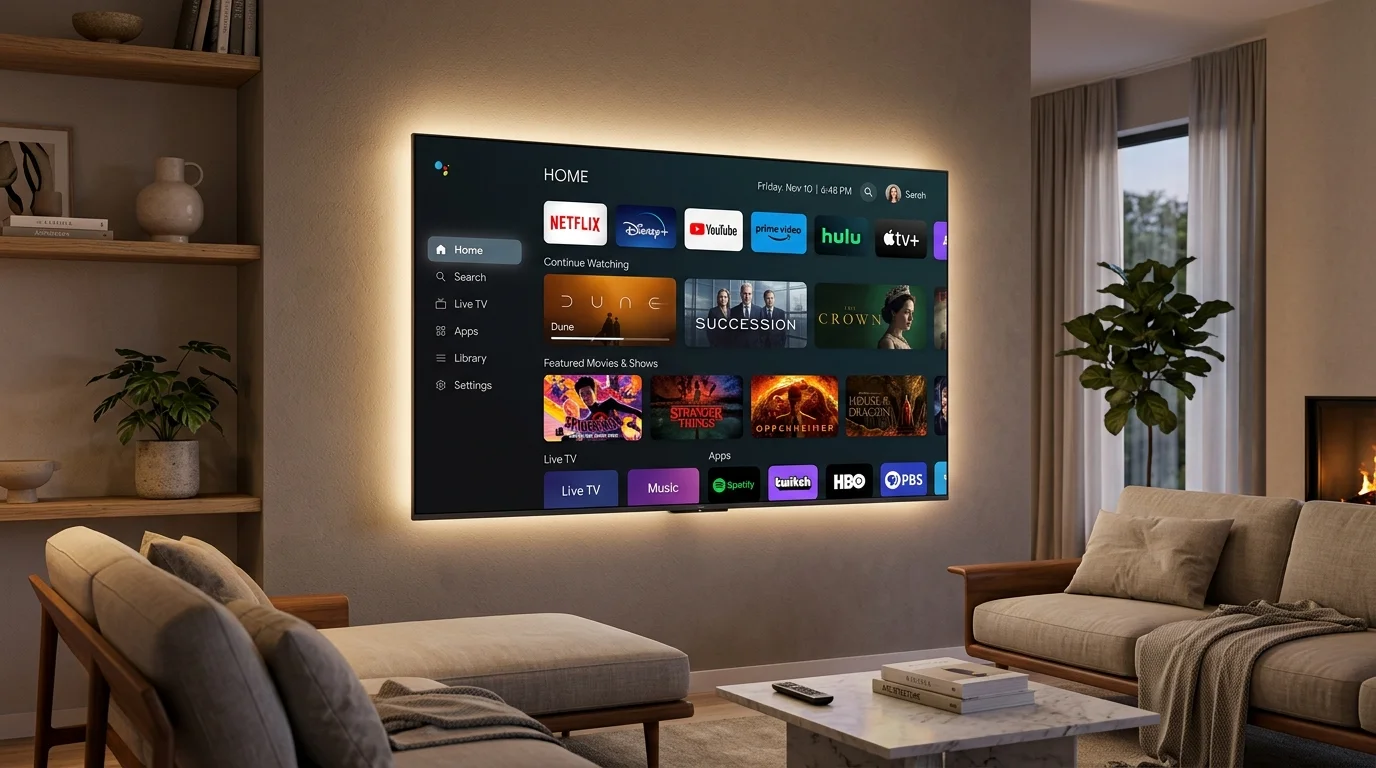
- VISIO 75-Inch 4K UHD Google TV (75VSSU3Google): Frameless 4K UHD screen featuring Google TV, Google Assistant voice remote, built-in Google Cast, and access to an extensive ecosystem of streaming and sports apps.
- VISIO 75-Inch 4K UHD Tizen OS (75VSSU3Tizen): Frameless 4K UHD screen powered by Tizen OS, featuring dedicated MEMC motion smoothing hardware and Dolby Audio processing for balanced sports motion and sound.
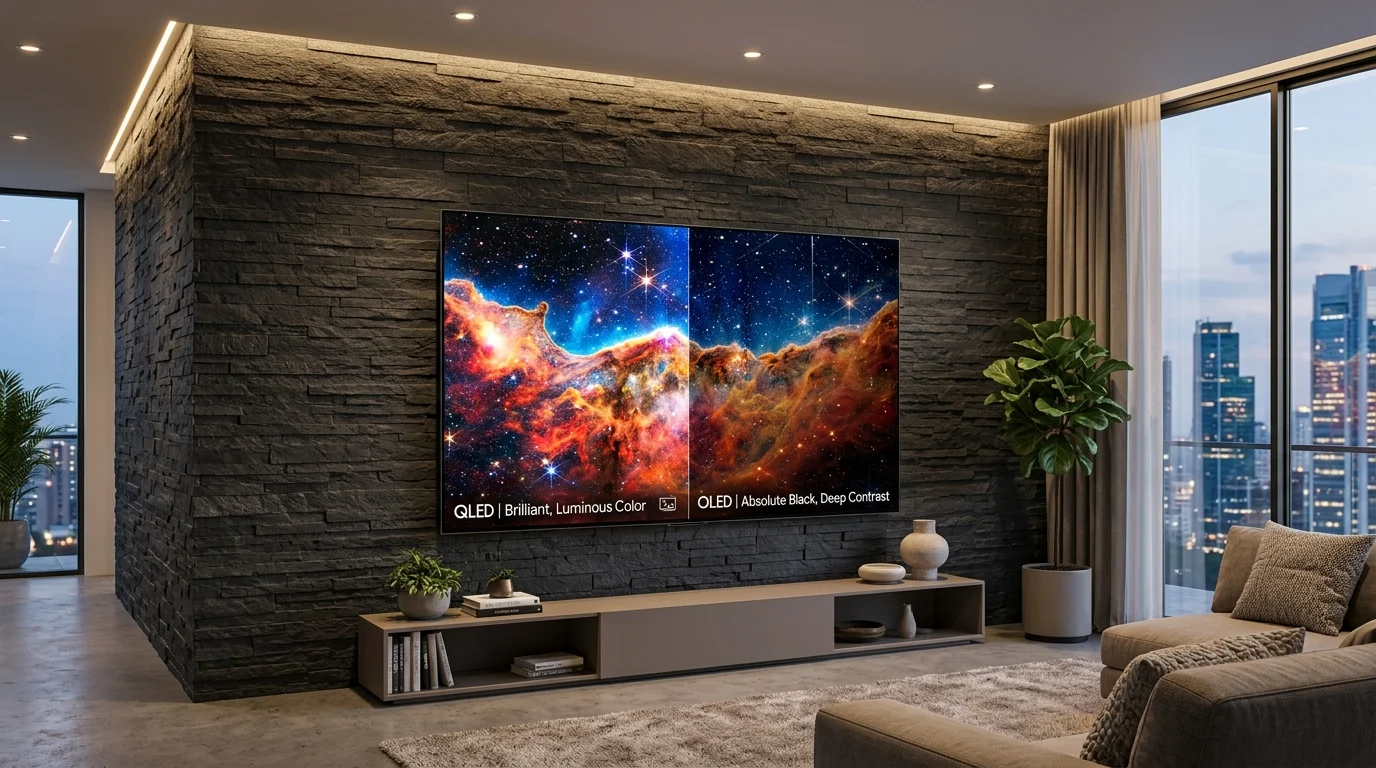
For other living room configurations, the VISIO catalog provides 4K UHD models across 55-inch and 65-inch sizes (such as 55VHSgoogle, 65VSSU3Google, 55VSSU3WEBOS, 65VSSU3WEBOS, 55VSSU3TIZEN, and 65VSSU3TIZEN), a 70-inch QLED option for enhanced color brightness in sunlit rooms, and expansive 85-inch screens (85VSS22G and 85VSS22WEBOS) for large halls. Compare systems in detail in our Smart TV Systems Comparison Guide or learn more on our dedicated Google TV, webOS, and Tizen pages.
Browse VISIO 4K televisions, soundbars, and wall mounts on our Home Entertainment page, or view current online availability directly through Jovento.
Summary: Match Day Setup Checklist
To ensure an uninterrupted and immersive match day experience for everyone in your home or majlis, follow this checklist:
- Match Screen Size to Group Seating: Ensure the display size accommodates viewers seated 3 meters or more away (65″ to 75″ for medium majlis rooms, 75″ to 85″ for large gathering halls).
- Select Natural Picture Calibration: Switch from exaggerated demo settings to a balanced Sports or Standard mode with warm/standard color temperature to preserve natural turf and skin tones.
- Utilize Soundbar Dialogue Separation: Connect a soundbar (such as the VISIO VSB200 or VSB210) via HDMI ARC to ensure commentary stays clear and intelligible above crowd noise.
- Secure a Reliable Connection: Use certified High-Speed HDMI cables for satellite receivers, or connect smart TV streaming apps via Ethernet or 5 GHz Wi-Fi.
VISIO is a Saudi consumer electronics brand owned by Alliant Co. VISIO products are available through Jovento and selected retail partners across Saudi Arabia.
All VISIO televisions and audio equipment are backed by an official 2-year warranty with customer support and authorized service centers located in Riyadh, Jeddah, and Dammam.